 Menu Zyka
By QR Menu editorial · Published 02 Oct 2026 · Updated 02 Oct 2026 · 3 min read · Digital Menu
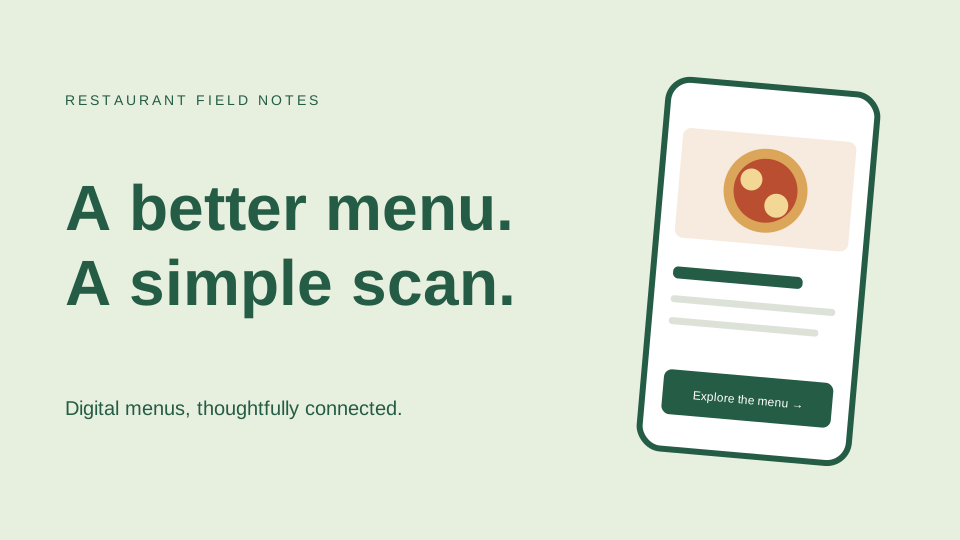
A menu that opens in a browser
A QR menu is a digital menu reached by scanning a QR code. Guests use their phone camera to open a link and browse dishes, descriptions and prices. A readable mobile menu is more useful than a large scanned PDF that requires constant zooming.
Menu viewing and ordering are different
A QR code can simply open a menu. Ordering requires an additional workflow: guests select items, review a cart and submit an order. The restaurant then needs a way to receive and prepare it. Choose capabilities based on your service style.
Prepare the content first
Organize dishes into clear categories. Check names, prices, descriptions and images. Provide useful dietary information only when your kitchen can verify it, and give guests a way to ask staff about ingredients.
Try it at a real table
Check the menu on several phones using the internet connection guests will use. Test the QR stand under your actual lighting. Keep staff ready to help guests who cannot or prefer not to scan.
Choose a manageable starting point
Start with one menu and a small number of tables. Review guest questions and your team's experience, then decide whether digital ordering is a useful next step.